Blog
Product updates, investigation workflows, and case intelligence insights from the Lumyx team.
Page 3 of 8

Welcoming Our Newest Partner: Indiana High Tech Crime Units
Indiana High Tech Crime Units joins Lumyx to connect the dots across mobile extractions, vehicle data, LPR, CDRs, and more.

A Great Week At Techno Security & Digital Forensics
Our booth crew has grown this year, and so has the product. Come see what changed since last year's Techno Security.

A 42-Minute Course On The Full Lumyx Workflow
Import digital evidence, analyze map data and CDRs, and build courtroom-ready timelines — taught by founder Alek Hurst.

Welcoming Our Newest Partner: Napa County Sheriff's Office
Napa County Sheriff's Office, California joins Lumyx to turn disconnected digital evidence into actionable case intelligence.

Welcoming Our Newest Partner: Lehigh County District Attorney
The County of Lehigh, PA District Attorney's Office joins Lumyx for faster cases and demonstratives juries remember.
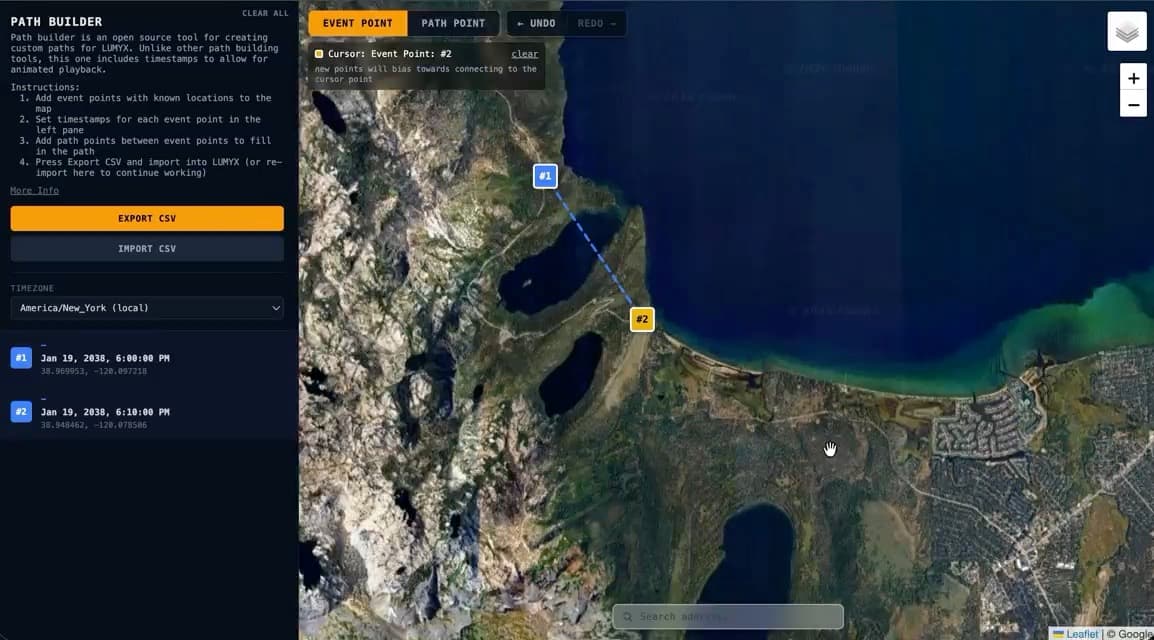
Introducing Path Builder, Completely Free
Build custom map paths with timestamps for playback in any mapping tool — completely free, and already used on real cases.

Welcoming Our Newest Partner: Erie County District Attorney
Erie County District Attorney's Office joins Lumyx for stronger prosecutions and multi-source evidence in one narrative.
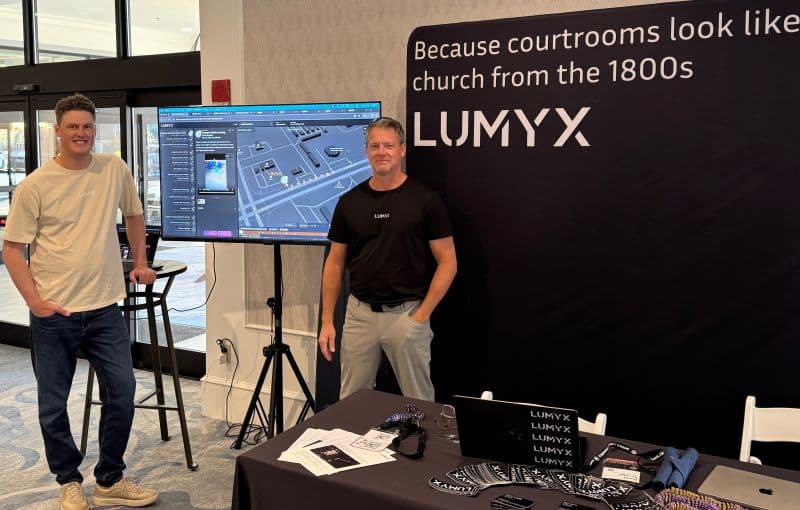
Lumyx At The National Cyber Crime Conference
Founders David Scruggs and Alek Hurst are in Boston this week with a booth and two presentations on the schedule.
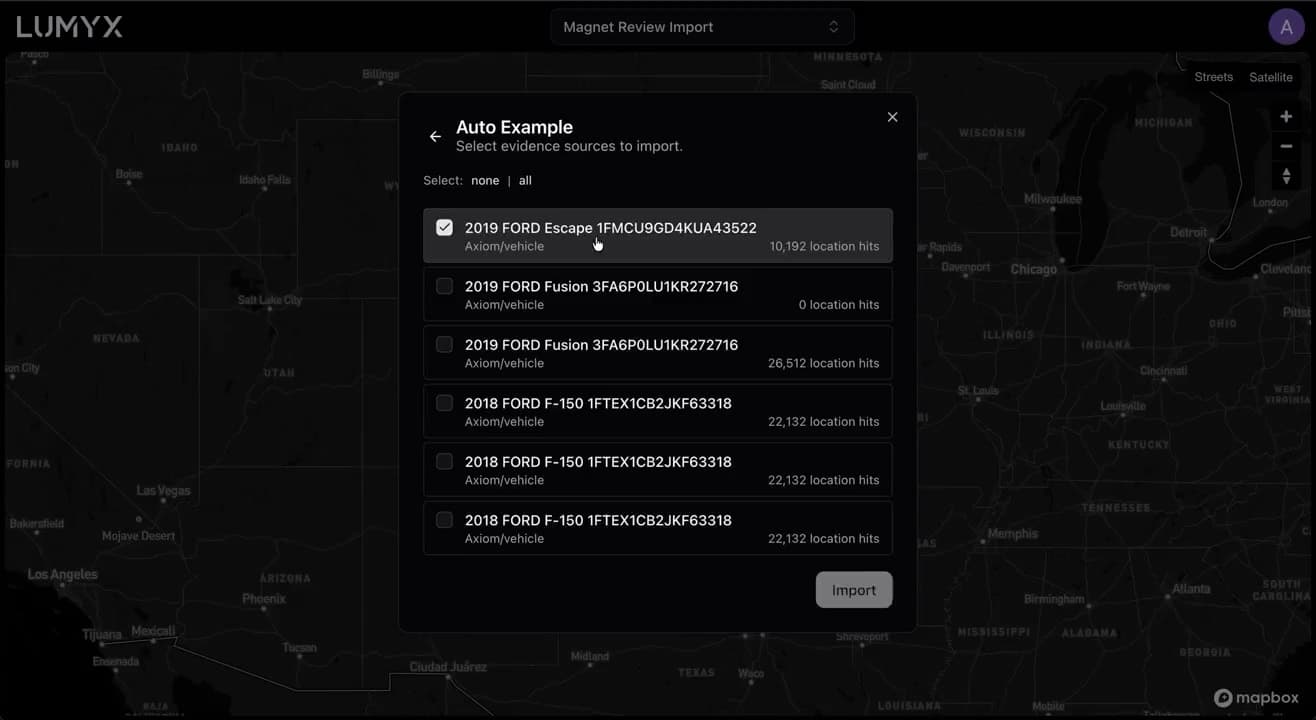
Announcing Our Magnet Forensics Integration
Import Magnet Review evidence sources straight into Lumyx, map the location data, and build a courtroom-ready presentation.

Welcoming Our Newest Partner: Santa Cruz District Attorney
Santa Cruz District Attorney's Office joins Lumyx for faster cases and clearer courtroom demonstratives.
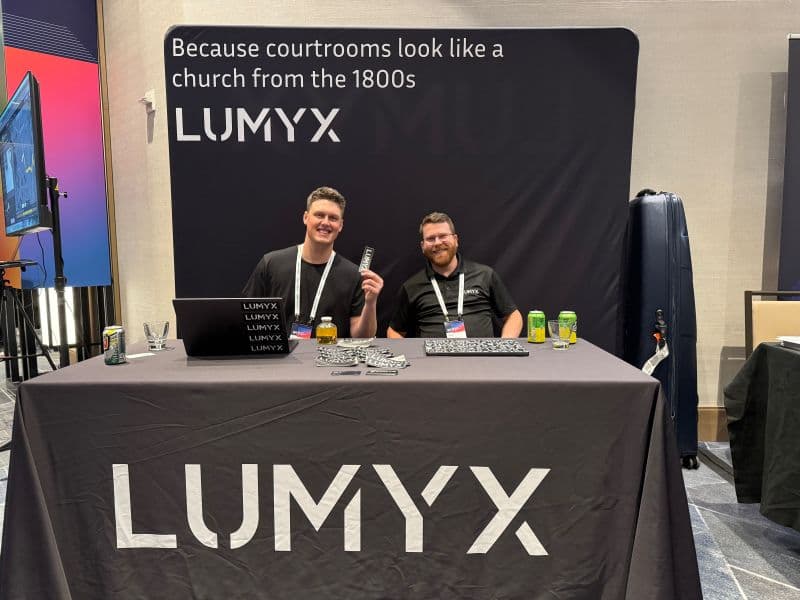
Lumyx At The Magnet Forensics User Summit
We're at the Magnet Forensics User Summit in Nashville, Tennessee this week. Stop by our booth and say hi.
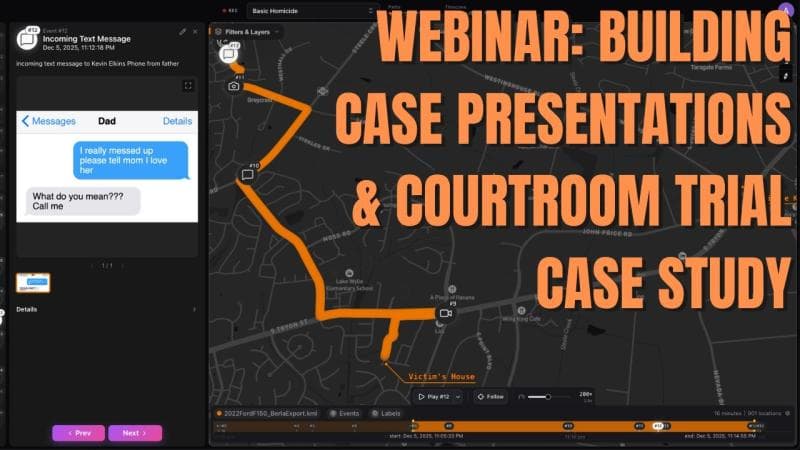
Watch The Recording: Our April Webinar
A 45-minute session on the latest Lumyx capabilities, plus John Allgire on taking Lumyx into the courtroom.