Blog
Product updates, investigation workflows, and case intelligence insights from the Lumyx team.
Page 5 of 8

Export Your Lumyx Cases To Video
In-app screen recording turns a Lumyx case into a shareable video, with more export options on the way.
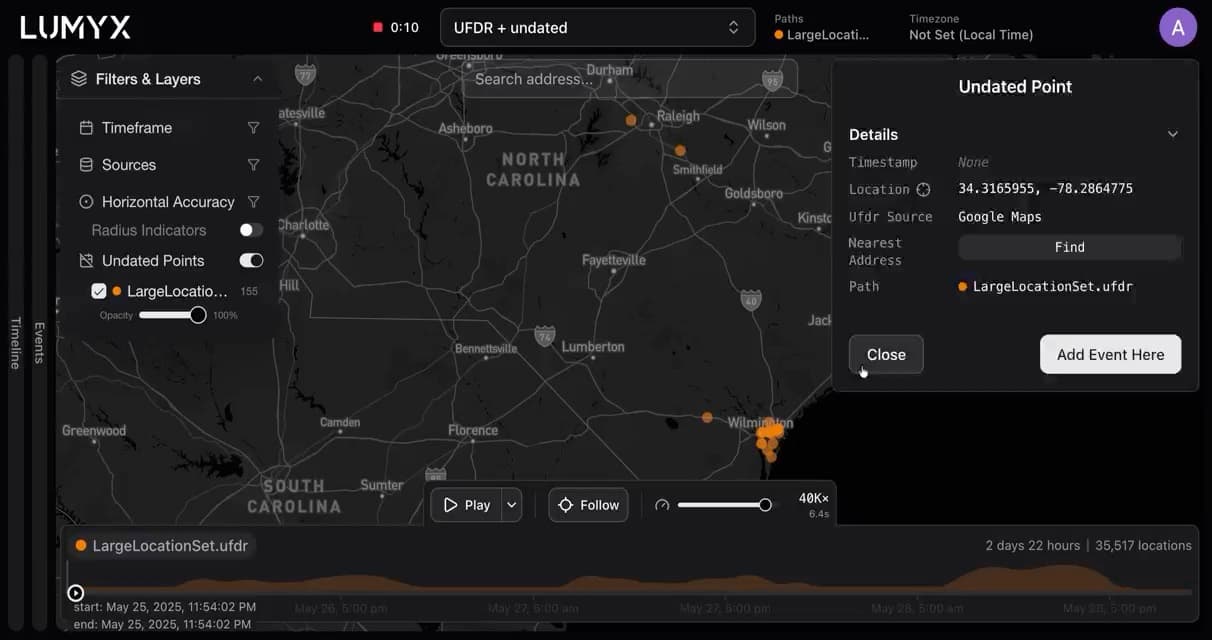
Lumyx Now Supports Undated Location Data
Toggle on undated points to map location data without timestamps, while still playing back everything that has them.

Jurors Said The Timeline Saved A Full Day Of Deliberation
In a northern Washington trial, jurors said Lumyx turned a kaleidoscope of evidence into a story they could follow.
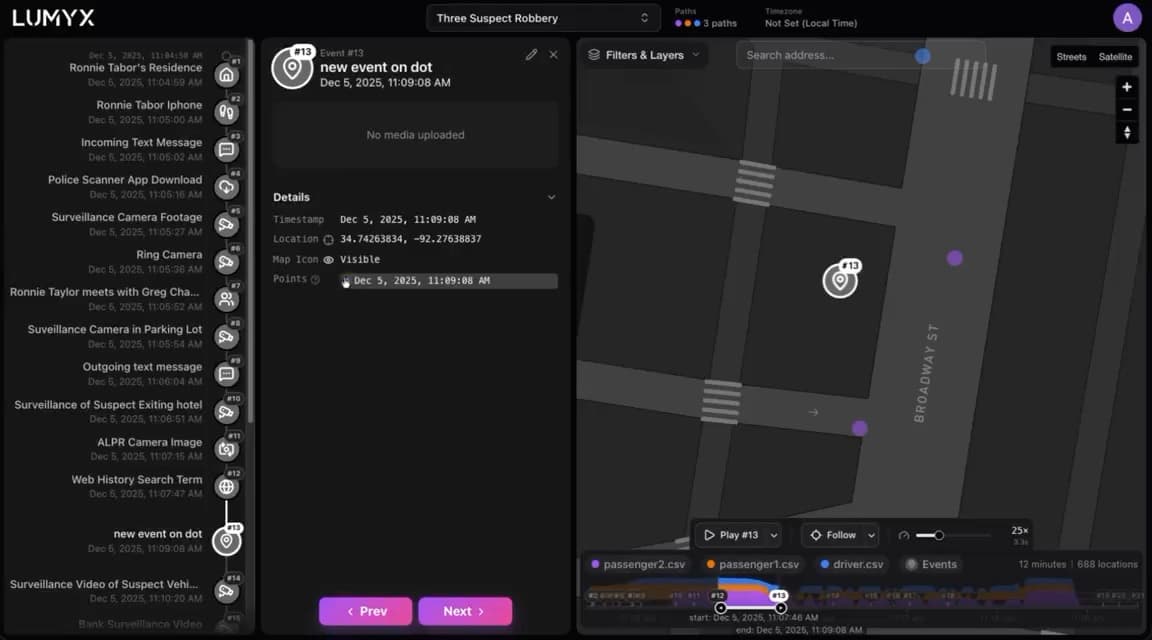
Hide And Unhide Events While Presenting
When an event sits on top of a location point, you can now hide it mid-presentation or open the point beneath it.
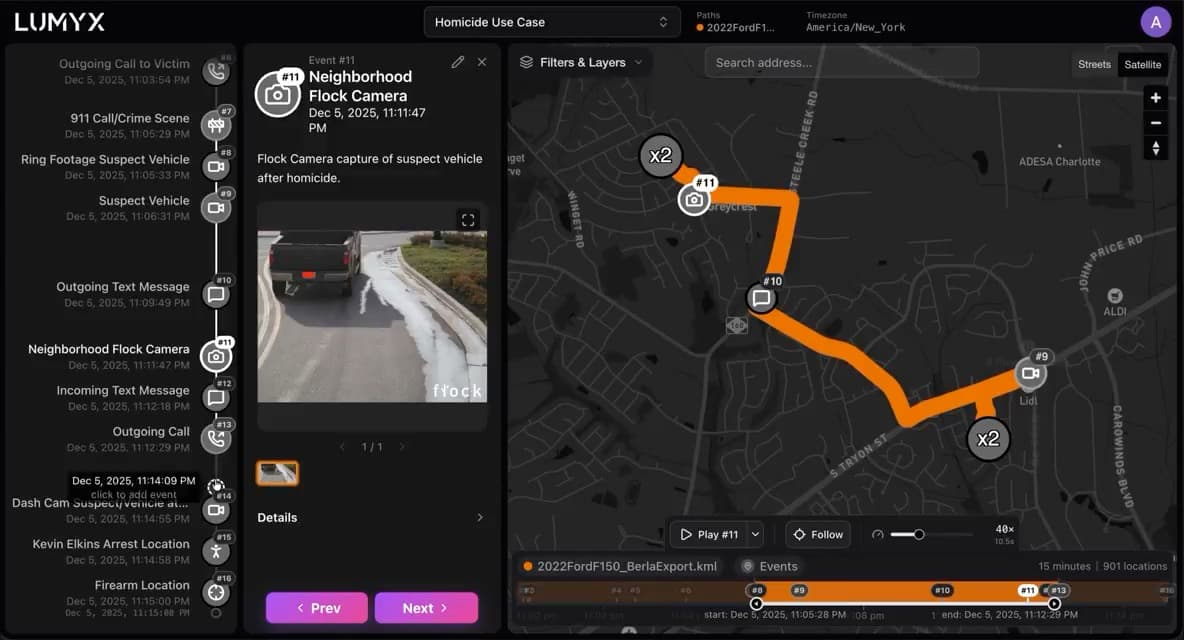
Ctrl+Click To View Multiple Events At Once
A hidden feature straight from a customer suggestion: ctrl+click or cmd+click to open several events side by side.

Welcoming Four New Public Safety Specialists
Four early-career professionals join Lumyx to learn how cases are built and how forensics teams actually work.
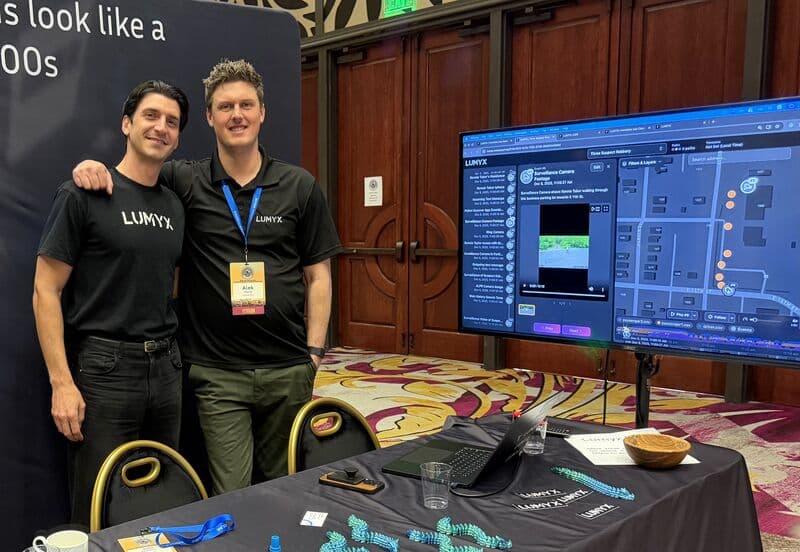
A Great Week In Reno With California Robbery Investigators
The Criminal Investigator's Training Conference hosted by the California Robbery Investigators Association.

Announcing Multi-Path Cases
View multiple location datasets in one case — suspect and victim, several suspects, or one suspect across sources.
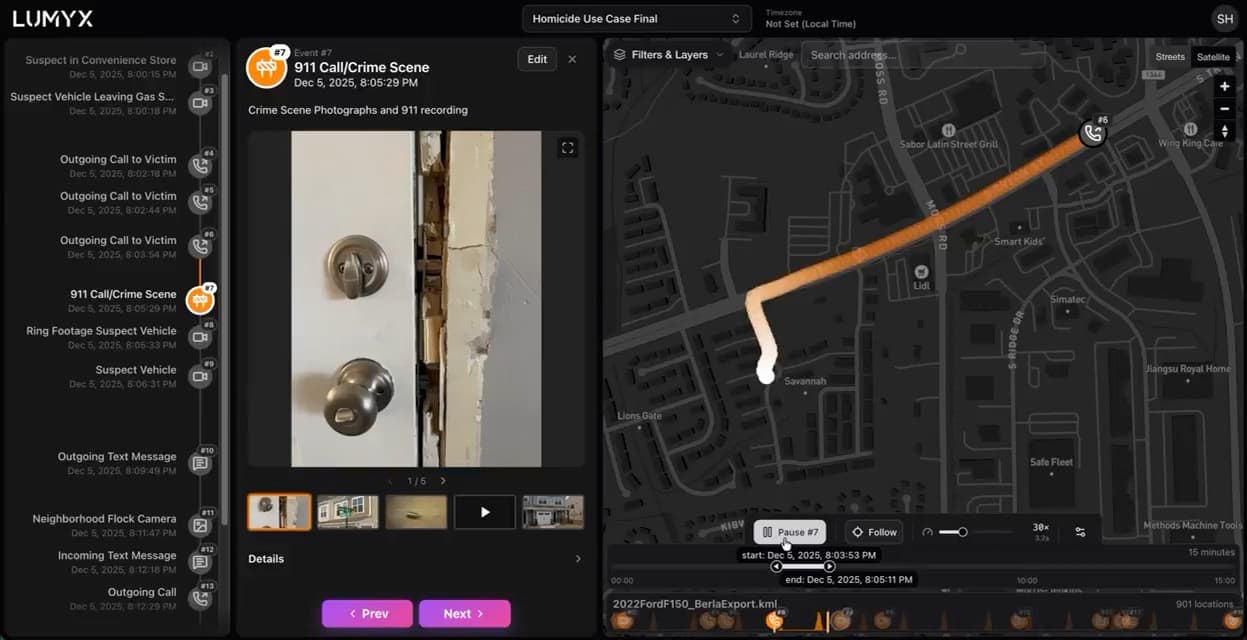
Event Icons: A Small Update With An Outsized Impact
Custom event icons make a case presentation readable at a glance. Can you spot the difference?
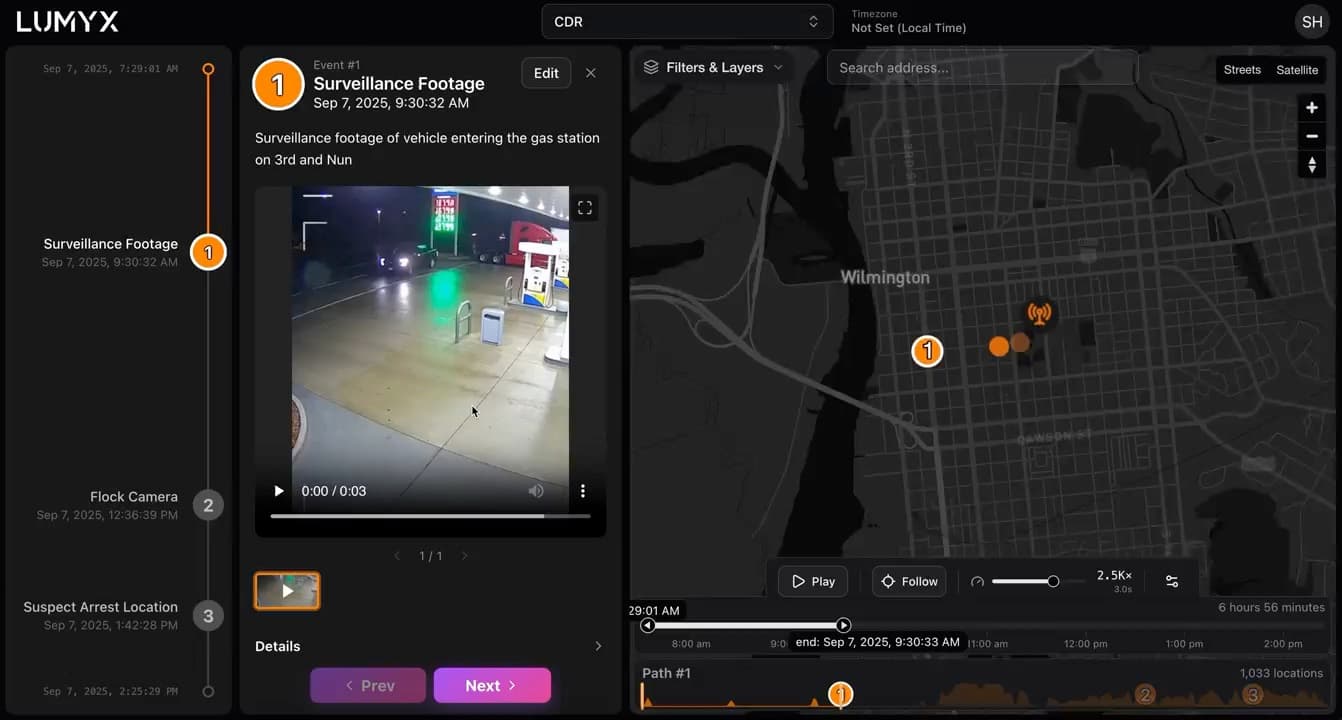
Build A Crimeline On Top Of Your CDR Data
Early access CDR support turns carrier records into a living case presentation instead of a static PDF report.
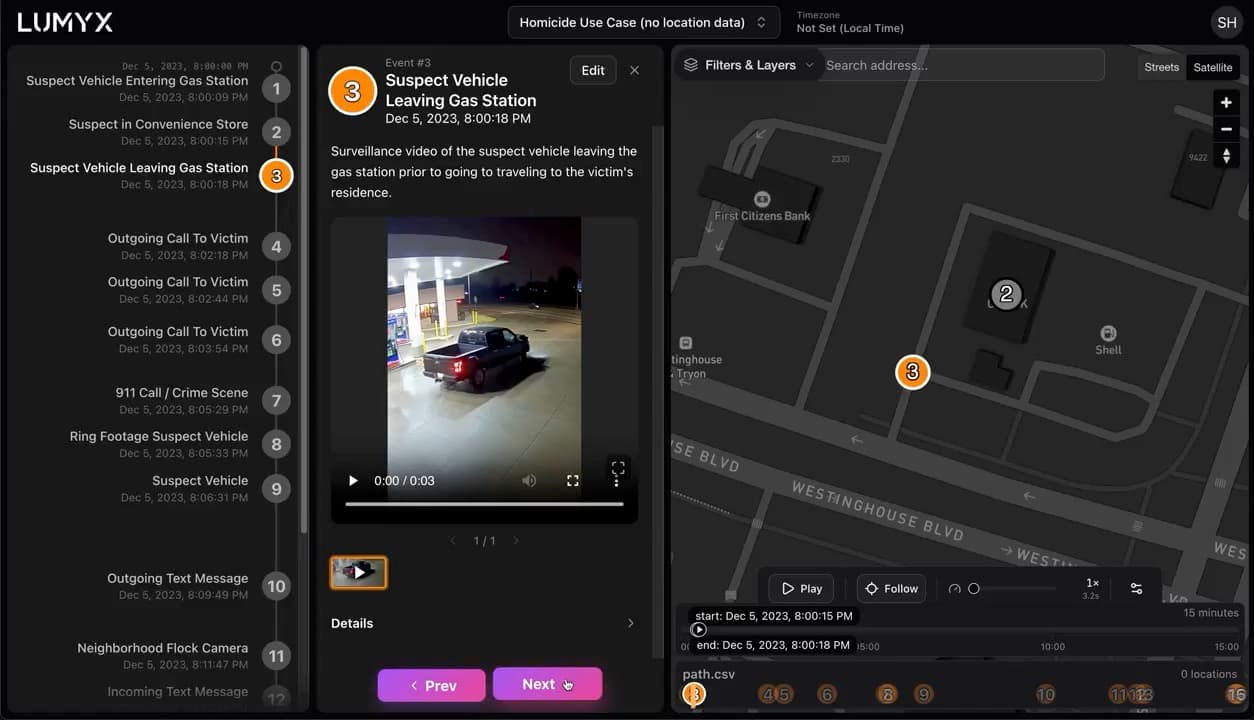
You Can Build A Timeline With No Location Data At All
Click the map to create each event by hand — here's our homicide demo built purely from custom events.
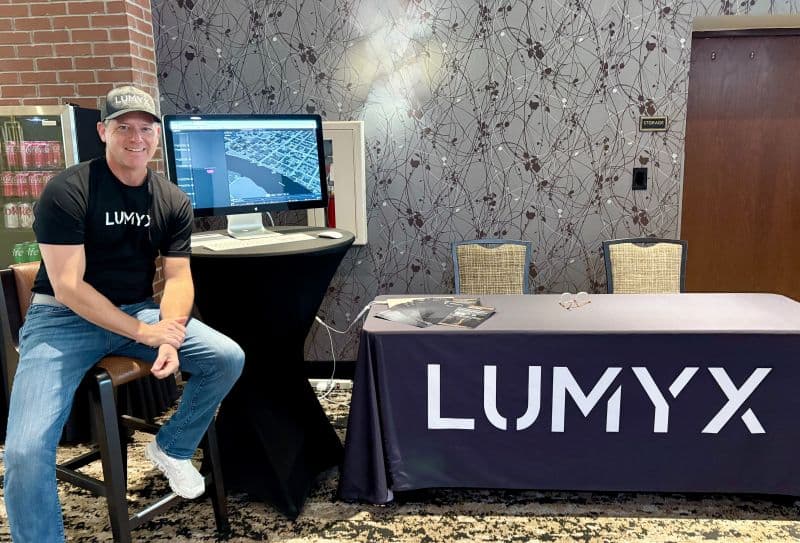
Two Days With The Country's Homicide Prosecutors
Thank you to the National District Attorneys Association. Next stop: California Robbery Investigators.