Hide And Unhide Events While Presenting
Since we can't stop obsessing over the product, here's another small feature you might like. Here's the story.
A couple of months ago we simplified events to make it easier to add them anywhere on the map, but it's still common for an event to get added directly on top of a location data point.
You now have the ability to hide and unhide individual events while presenting, or to directly open the underlying point details. The point details option only appears when your event is sitting directly over a point.
Related posts
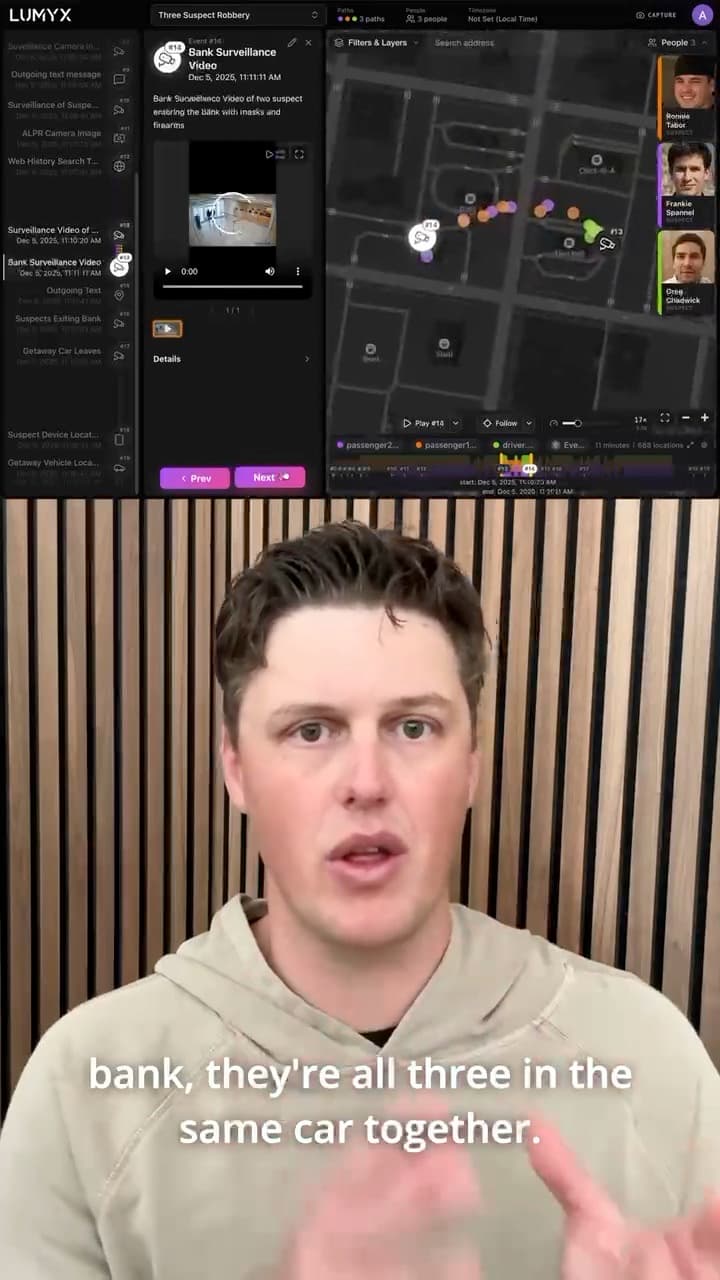
Introducing People: The Who Of Every Case
Add the suspects, victims, and witnesses of a case to Lumyx, give each one a photo, and link them to their paths.
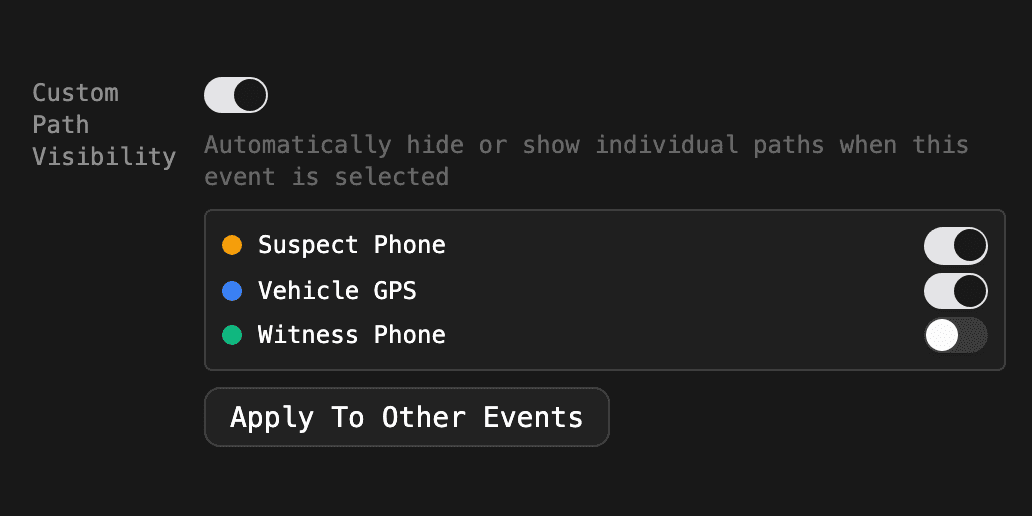
Product functionality change: Event Settings Are Now Predictable
Pane sizes and path visibility now reset between events unless an event saves its own. A new Apply To Other Events button makes that fast.
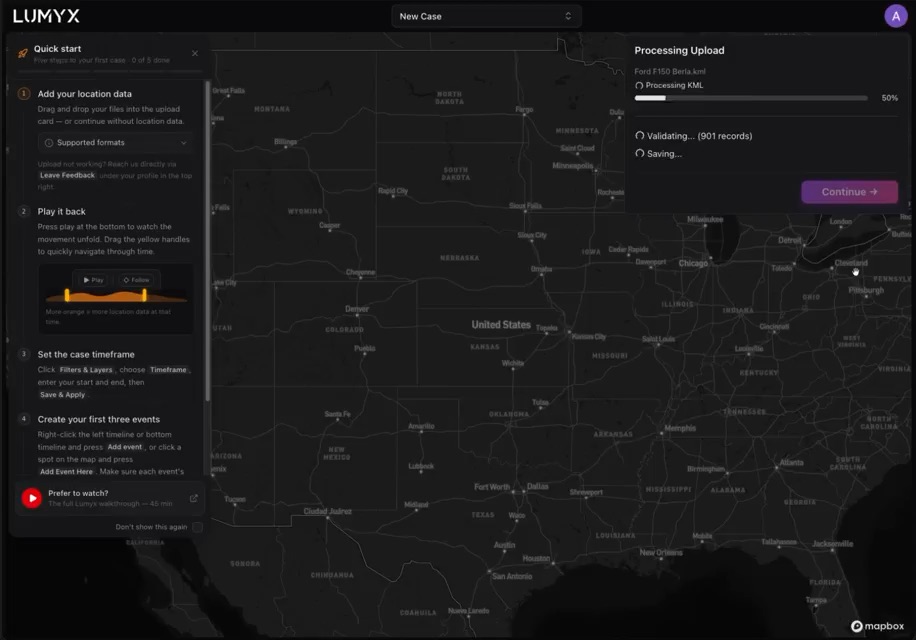
A New Quick Start Guide, Short And Sweet
A guide to the first few steps in Lumyx that doesn't turn into another thirty-step tutorial everybody skips.