A New Quick Start Guide, Short And Sweet
There's nothing simple about investigating complex cases, so we wanted to help out with the first few steps.
We've added a new Quick Start Guide with a focus on being short and sweet — not another thirty-step, next-by-next tutorial that we all just skip.
What it covers
Getting evidence into a case, finding your way around the map, and putting the first events on a timeline. Once those three things click, the rest of Lumyx follows from them.
Welcome to everyone who has joined in the past few weeks, and we hope this helps. If you'd rather work through something longer, the training page has the full course.
Related posts
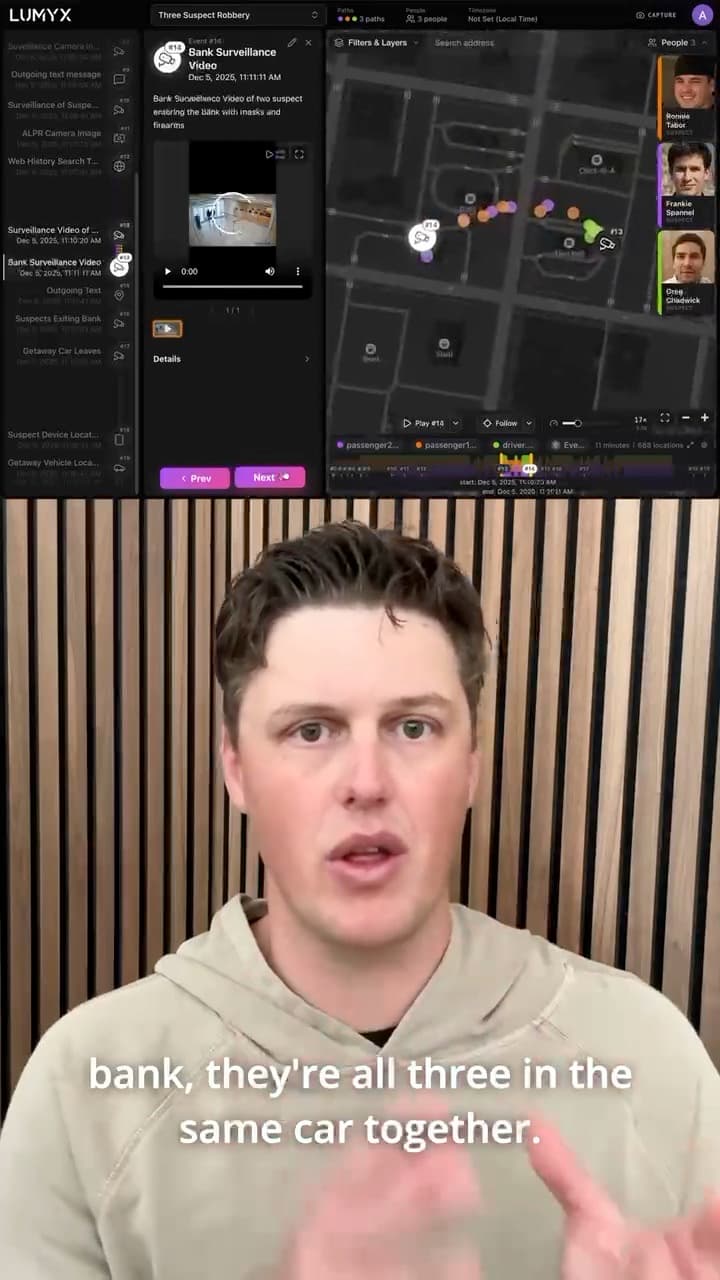
Introducing People: The Who Of Every Case
Add the suspects, victims, and witnesses of a case to Lumyx, give each one a photo, and link them to their paths.
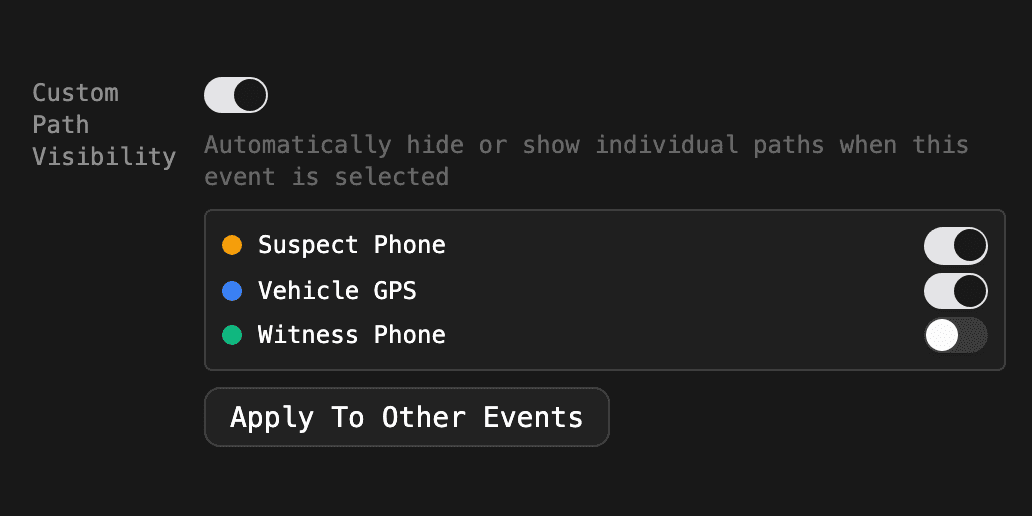
Product functionality change: Event Settings Are Now Predictable
Pane sizes and path visibility now reset between events unless an event saves its own. A new Apply To Other Events button makes that fast.
Watch The Recording: Our NW3C Webinar
Two case studies from our NW3C webinar: a complex homicide timeline and expert CDR analysis of a homicide case.