Omit Individual Points Directly In Lumyx
You can now omit individual points directly in Lumyx.
Simply click the points you want to omit and press the omit button, then view omitted points later via filters and layers.
Why this matters in the courtroom
Location datasets routinely contain points that are real records but not useful evidence — a device checking in from a known residence a hundred times, or coordinates with accuracy so poor they'd mislead a jury more than inform it. Omitting them tightens the presentation without deleting anything: the points stay in the case, visible under filters, so the decision is transparent if it's ever challenged.
Related posts

Introducing People: The Who Of Every Case
Add the suspects, victims, and witnesses of a case to Lumyx, give each one a photo, and link them to their paths.
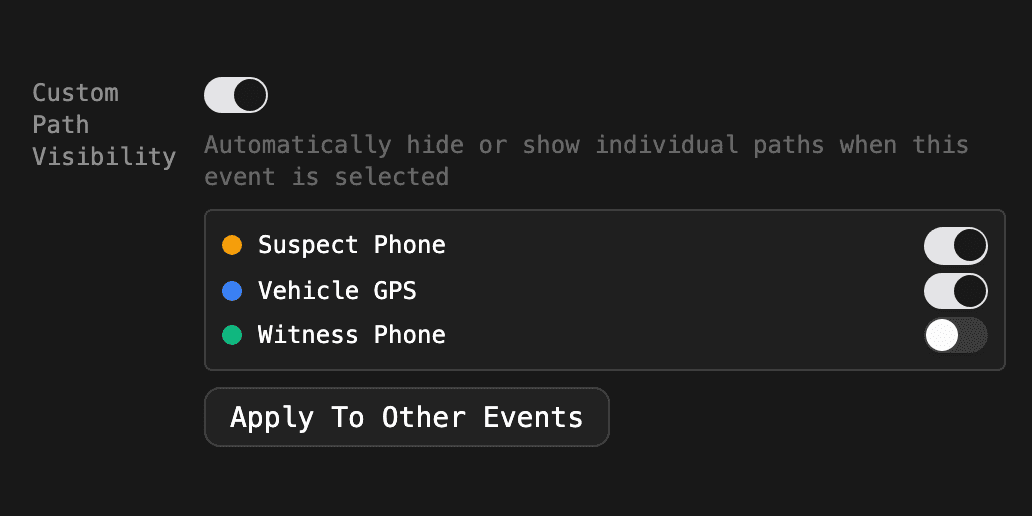
Product functionality change: Event Settings Are Now Predictable
Pane sizes and path visibility now reset between events unless an event saves its own. A new Apply To Other Events button makes that fast.
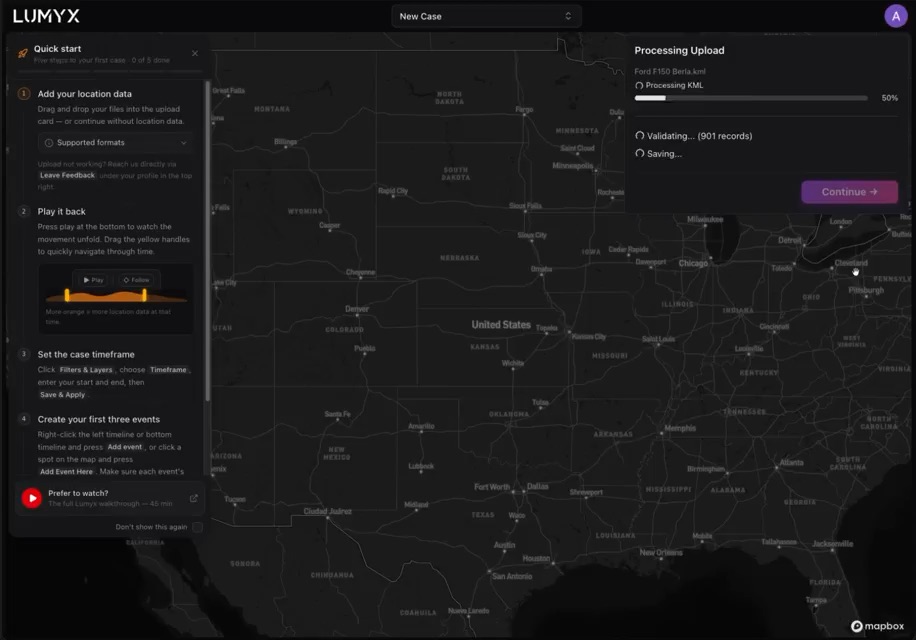
A New Quick Start Guide, Short And Sweet
A guide to the first few steps in Lumyx that doesn't turn into another thirty-step tutorial everybody skips.